 11
11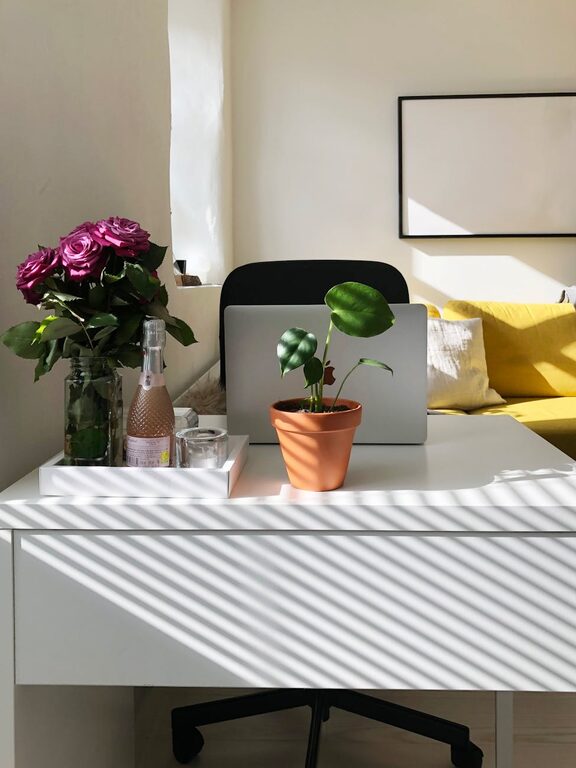
Creating a cozy and inviting home workspace is essential for staying focused and motivated, especially if you spend a lot of time working from home. A well-designed workspace not only enhances productivity but also promotes a positive mindset and comfort. Whether you have a dedicated room or just a small corner, here are some practical tips to help you craft the perfect home office environment.
The first step is to pick a spot that fits your work style. Ideally, this should be a quiet area away from high-traffic zones of your home.
– Natural Light: If possible, position your desk near a window to benefit from daylight. Natural light improves mood and reduces eye strain.
– Minimal Distractions: Choose a space where noise and interruptions are limited. If this isn’t feasible, consider noise-canceling headphones or white noise machines.
Comfort plays a crucial role in maintaining focus during long work hours.
– Ergonomic Chair: Select a chair that supports your back and promotes good posture.
– Adjustable Desk: Standing desks or adjustable desks can offer flexibility and help reduce fatigue.
– Desk Size: Ensure your desk has enough surface area for your computer, notebooks, and other essentials.
Adding personal touches makes your workspace feel welcoming and uniquely yours.
– Decor: Incorporate artwork, photos, or decorative items you enjoy.
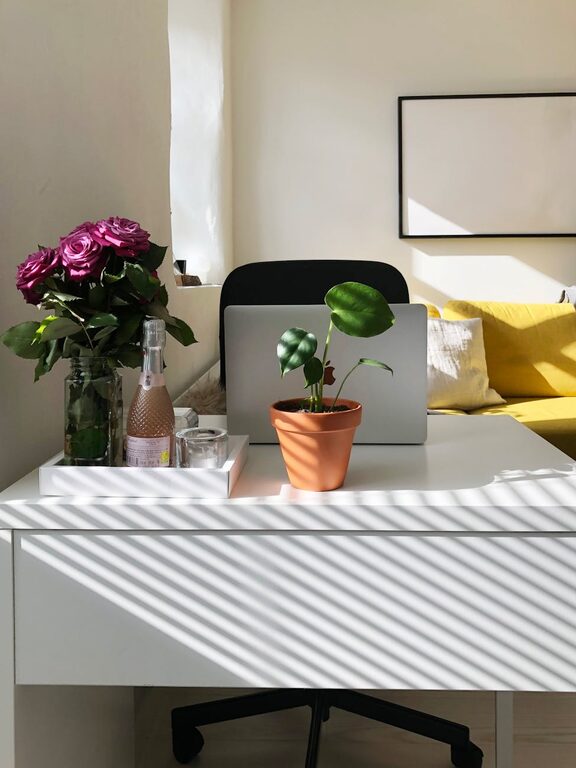
– Plants: Small indoor plants can add a touch of nature and improve air quality.
– Textiles: A cozy rug, cushions, or a soft throw can warm up the space visually and physically.
A tidy workspace encourages efficiency and reduces stress.
– Storage Solutions: Use shelves, drawers, or baskets to keep things organized.
– Cable Management: Use clips or sleeves to manage cords and keep your desk neat.
– Daily Clean-Up: Spend a few minutes at the end of each day clearing your desk and putting away items.
Good lighting is key to reducing eye strain and creating a cozy atmosphere.
– Task Lighting: A desk lamp with adjustable brightness helps you focus on detailed work.
– Ambient Lighting: Soft, warm lights like LED bulbs or floor lamps can make the room inviting.
– Avoid Harsh Overhead Lights: Bright fluorescent lights can feel cold and uninviting.
A workspace that motivates can improve your work quality and satisfaction.
– Vision Board: Pin up goals, quotes, or images that inspire creativity.
– Books and Resources: Keep frequently used books or references close by for easy access.
– Music or Background Sounds: Play calming music or nature sounds if it helps you concentrate.
Comfort isn’t just about décor; physical comfort matters too.
– Ventilation: Keep the room well-ventilated with fresh air to stay alert.
– Humidity: Use a humidifier if the air tends to be dry.
– Temperature: Adjust heating or cooling so the space feels comfortable year-round.
Creating a productive mindset is also about habits.
– Defined Work Hours: Stick to a schedule to separate work time from relaxation.
– Work-Only Zone: Try to avoid mixing your workspace with leisure activities.
– Breaks: Take regular breaks to stretch and refresh your mind.
Designing a cozy and inviting home workspace doesn’t have to be complicated or expensive. By focusing on comfort, organization, personal touches, and lighting, you can create a space that not only looks pleasant but also supports your productivity and well-being. Start small and gradually adjust your workspace until it perfectly suits your needs and preferences. A well-crafted home office is an investment in your work and happiness.